

- Fast re-check scores don't guarantee fresh page data.
- Sage SEO performs a live fetch on every URL submission.
- Cached tools can falsely confirm fixes that never saved.
- CDN and server caching can still delay what Sage retrieves.
- Fetch-fresh is critical for pre-launch QA and rapid sprints.
The scariest number in any SEO tool isn’t a low score. It’s a good score that arrives too fast. About four years ago I fixed a thin-content page for a B2B SaaS client, reran it through an auditor I trusted, watched the flag turn green in under two seconds, and shipped it. A week later the “fixed” issue was still flagged in Google Search Console. The tool hadn’t re-crawled anything. It had handed me last Tuesday’s snapshot with a fresh timestamp on it. That’s the day I started asking every scoring tool the same blunt question you should be asking before you trust a single before/after number: when I hit re-check, did you actually fetch my live page, or did you just reprint what you already had?
The Re-Check Question Nobody Asks Until They’ve Been Burned
The moment you edit a page and rerun the audit, the entire value of the tool rests on one thing: whether that second score reflects your live page or a stored memory of it.
Here’s the realistic loop. You run an audit. It flags a missing meta description, a title tag that’s too long, some alt text you skipped. You fix two of them in the CMS, hit save, and rerun the same URL a couple of minutes later because you want to confirm the fix landed. Simple workflow. Every freelancer, in-house marketer, and agency mid-sprint does it a dozen times a day.
The problem is that “instant” and “accurate” are not the same claim. A tool can show you a beautiful updated score without ever having looked at your edit. I’ve watched teams burn an afternoon “verifying” fixes that a stale cache had rubber-stamped. So before we get to how Sage SEO handles this, here’s the mental model — the four ways a rescore can go, and only one of them is trustworthy.
| What you see after re-check | What actually happened | Trustworthy? |
|---|---|---|
| Score improves instantly | Fresh fetch caught your real edit | Yes |
| Score improves instantly | Cached snapshot reused; edit never read | No — false confidence |
| Score unchanged | Fresh fetch; your edit didn’t actually save/deploy | Yes — useful signal |
| Score unchanged | Cached snapshot reused; edit invisible | No — false alarm |
Notice that speed tells you nothing. Two of those rows are instant and one is a lie. The question that actually protects you is whether a new request went out to your server.
Why Do SEO Tools Cache Pages in the First Place?
Caching exists because re-fetching the same page repeatedly is slow, expensive, and hard on servers — and for most monitoring jobs it’s genuinely the right call.
I don’t think caching is villainous. It’s plumbing. The whole HTTP caching model exists so the web doesn’t re-download things that haven’t changed. When a tool tracks 5,000 URLs on a weekly cadence, storing a copy of each crawl is smart engineering — it saves bandwidth, dodges rate limits, and returns results fast.
The reasons caching shows up everywhere are boring and legitimate:
- Server load — hammering a page on every glance can look like an attack to a firewall.
- Rate limits — many sites throttle repeat requests from the same crawler.
- Cost — rendering and parsing pages at scale isn’t free.
- Speed — a stored result returns in milliseconds; a live fetch does not.
Here’s the tension, though. Caching that’s perfectly fine for weekly rank tracking becomes a liability the second you’re editing live. A tool built to answer “how did this page look at some point recently?” is answering a different question than “what does this page say right now?” When you’re iterating, you need the second answer, and a monitoring-first architecture quietly gives you the first. I dug into this trade-off more in a piece on why real-time data beats periodic snapshots for on-page work.
Fetch-Fresh vs. Reuse-Snapshot: The Only Distinction That Matters
When you resubmit a URL, a scoring tool does one of two things: it pulls a brand-new live copy of the page, or it reuses a version it already stored — and those behaviors produce completely different truths.
With reuse-snapshot behavior, you can edit a page, rerun the check, and see an unchanged score — or, worse, a “fixed” score inherited from an unrelated earlier crawl — even though nothing new was read from your server. The report looks authoritative. It’s fiction.
Fetch-fresh behavior means every re-check is treated as a new request against the live URL. Slower by a beat. Honest by design.
| Behavior | What it reads | Reflects your last edit? | Best suited for |
|---|---|---|---|
| Reuse-snapshot | Previously stored crawl | No — until the cache expires | Periodic monitoring, rank tracking |
| Fetch-fresh | Live page, on each request | Yes — current state | Iterative editing, pre-launch QA |
This is the single question I’d put to any tool before I let a before/after number influence what I ship. Not “how fast is it?” but “did it re-crawl, or did it reprint?”
How Sage SEO Handles Re-Checks: Fetch Fresh, Every Time
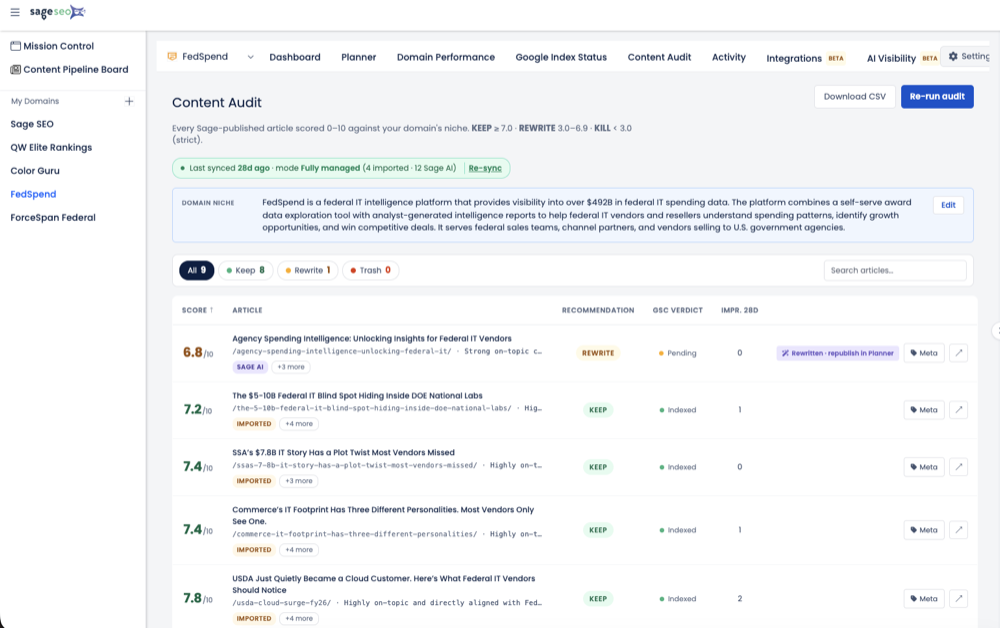
Sage SEO is built so that each time you submit a URL, it’s treated as a new request — a fresh fetch of the live page rather than a reprint of a stored snapshot.
In plain mechanical terms: you rerun the URL, Sage goes and gets the page again, parses what’s actually there, and scores that. It isn’t consulting a memory of what the page looked like earlier in your session. That’s the behavior that makes the fix-and-recheck loop believable.
Why this matters for mid-edit work is simple. You correct a meta description, save it, rerun the check ten seconds later, and the report describes the page as it stands now — not as it stood before you touched it. When I’m walking a client through an on-page content audit live on a call, that’s non-negotiable; I can’t have the tool contradicting the edit we both just watched go live.
The Honest Trade-Off
Fetching fresh every time costs you something, and I’d rather name it than hide it. A live fetch takes marginally longer than serving a cached result — you feel it as a short pause instead of an instant flip. That pause is the point. It’s the sound of the tool actually going to look. I’ll take an accurate result two seconds later over a wrong result now, every single time. This is the same design logic behind the crawler trade-offs we’ve made elsewhere: choose the behavior that keeps the data honest.
Skip the spreadsheets. Start Sage SEO free.
See how AI content ops transform your agency workflow in minutes.
A Live Walkthrough: Edit, Rerun, Compare
When you edit part of a page and rerun it, a fetch-fresh tool updates only what actually changed and leaves untouched issues exactly where they were — granular re-evaluation, not an all-or-nothing reset.
Let me make this concrete with the kind of scenario I run weekly. Say the first audit flags two things: a missing meta description and a thin content section under one of your H2s. Two real, common issues.
You fix them in order:
- Write the meta description in your CMS and save.
- Expand the thin section with a few hundred words of genuine substance.
- Rerun the same URL through Sage SEO in the same session.
Here’s what a trustworthy second report looks like — and, just as importantly, what it doesn’t do.
| Flag from first audit | What you did | Second report |
|---|---|---|
| Missing meta description | Added one | Cleared — new description recognized |
| Thin content section | Expanded it | Cleared — length threshold met |
| Title tag over length | Left it alone | Still flagged — untouched |
| Internal links sparse | Left it alone | Still flagged — untouched |
That third and fourth row are the tell. A tool doing a superficial full reset would sweep those green just because something changed. Fetch-fresh, granular scoring doesn’t. It re-reads the page and re-evaluates each rule against the live content, so your fixed items clear and your ignored items keep nagging you — which is exactly what should happen. If you want the discipline of tracking those partial fixes over time, that’s essentially the muscle behind a repeatable content refresh workflow.
What Fetch-Fresh Means When You’re Shipping Iterative Fixes
Teams that fix-and-recheck all day need every check to reflect reality, because a lagging tool doesn’t just waste time — it convinces you a broken thing is fixed.
I’ve seen both failure modes. The first is wasted labor: you don’t trust the green checkmark, so you cross-check every fix in a second tool, and now a 20-minute pass takes an hour. The second is worse — you trust a cached “pass,” ship it, and find out in Search Console two weeks later that the fix never registered.
Fetch-fresh behavior earns its keep in exactly three situations:
- Pre-launch QA, where you’re confirming fixes minutes before a page goes public.
- Migration audits, where dozens of URLs change in a compressed window.
- Rapid on-page cycles, the tight edit-recheck-edit rhythm of a real optimization sprint.
The whole reason I could take a 12-page audit down to a 20-minute task is that I stopped double-checking a tool I didn’t trust. You can’t move fast on top of data you have to verify twice.
A Few Caveats Worth Knowing
“Fetch fresh” on Sage’s end can’t override caching that lives upstream on your own hosting, CDN, or server — the live version it retrieves is only as fresh as what your server actually serves.
This is where honesty matters more than marketing. HTTP caching is a chain, and Sage is just one link at the end of it. If your page sits behind a CDN or server-side cache, the “current” copy might be a stored edge copy, not your newest edit.
The mechanics are worth understanding. The Cache-Control header gives instructions to browsers and shared caches like CDNs and proxies, and directives like max-age decide how long an edge copy is treated as fresh. An ETag is essentially a version fingerprint — usually a hash of the content — and if your resource genuinely changes, the server is supposed to generate a new one. But a CDN will keep serving its cached edge copy until its TTL expires or you purge it. According to SiteGround’s CDN documentation, that lag can run anywhere from a few minutes to 24 hours.
So if you want to confirm a specific fix the instant you make it, clear your own site or CDN cache before you rerun the URL. That way the page Sage fetches is genuinely your latest version, not your host’s memory of it.
Trust the Score Because You Understand the Mechanism
Instant isn’t trustworthy; understanding whether a tool re-fetches is what actually makes a score believable.
Strip away everything else and here’s my position after a decade-plus of this work: I don’t trust tools that are fast. I trust tools whose mechanism I can explain. A rescore that reprints an old snapshot is worse than no rescore at all, because it replaces “I don’t know” with a confident wrong answer — and confident wrong answers are the ones that get shipped.
Sage is designed to re-fetch on every submission specifically so you can work in tight, iterative loops without second-guessing whether the number in front of you describes the page as it exists right now. That’s the entire deal. Edit, rerun, believe the result, move on. If you’ve been burned by a lagging auditor before, the fix isn’t to check twice — it’s to use one that goes and looks every time. Run a live audit on a page you just edited and watch the difference for yourself.